

Publishing and Sharing
Plugin Dev saves your work to one canonical plugin. While that plugin is unpublished, its owner can edit it, and teammates can edit it when Edit is set to My Team. Publishing makes the same plugin discoverable and read-only.
Publishing, sharing, ownership, cloning, and deletion are all in the Manage Plugin menu in the editor header.
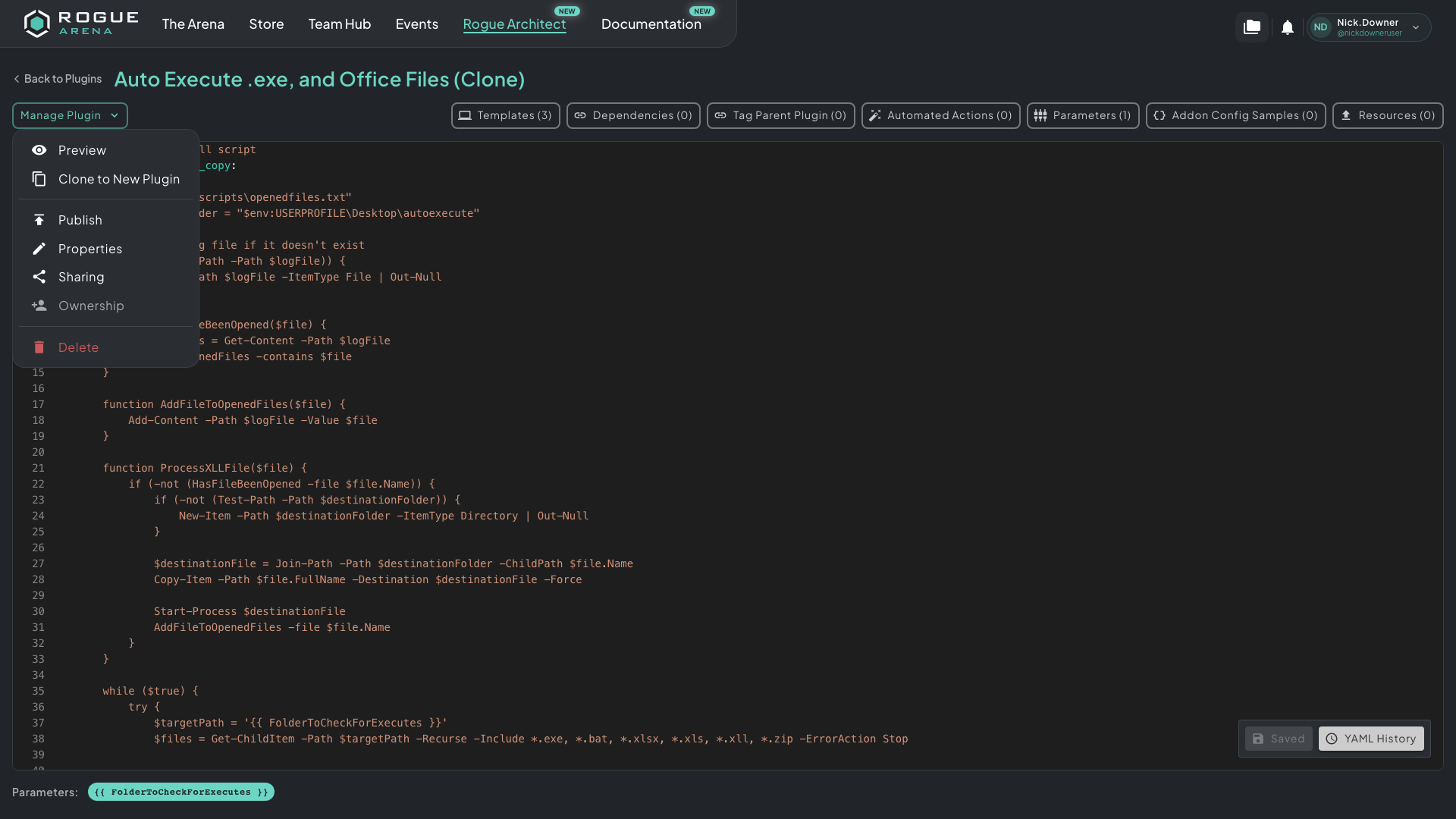 One menu covers previewing, cloning, publishing, properties, access, ownership, and deletion.
Publish
Section titled “Publish”Click Publish when the plugin is ready for other users to discover and apply.
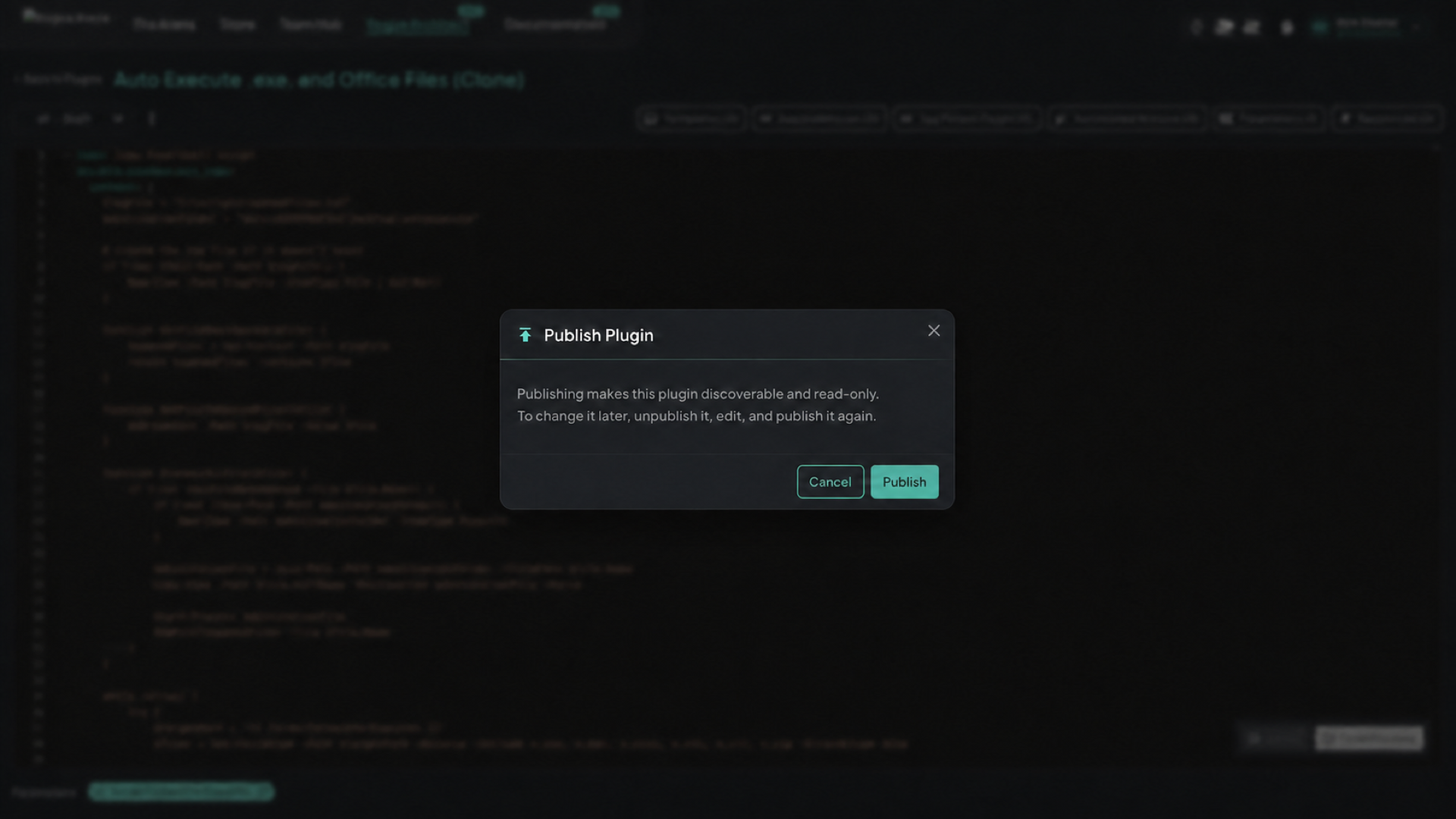 The Publish Plugin dialog. Publishing doesn’t create another copy or ask for a changelog.
A published plugin is read-only. To change it, choose Unpublish, make your edits, test them, and publish it again. There is no version selector or in-place upgrade flow.
If a change shouldn’t affect existing references to this plugin, use Clone to New Plugin instead. It creates a new unpublished plugin with the current definition and Vault files, and starts a fresh YAML history with the current source as its first revision.
Sharing
Section titled “Sharing”Click Sharing in the Manage Plugin menu to open the sharing dialog.
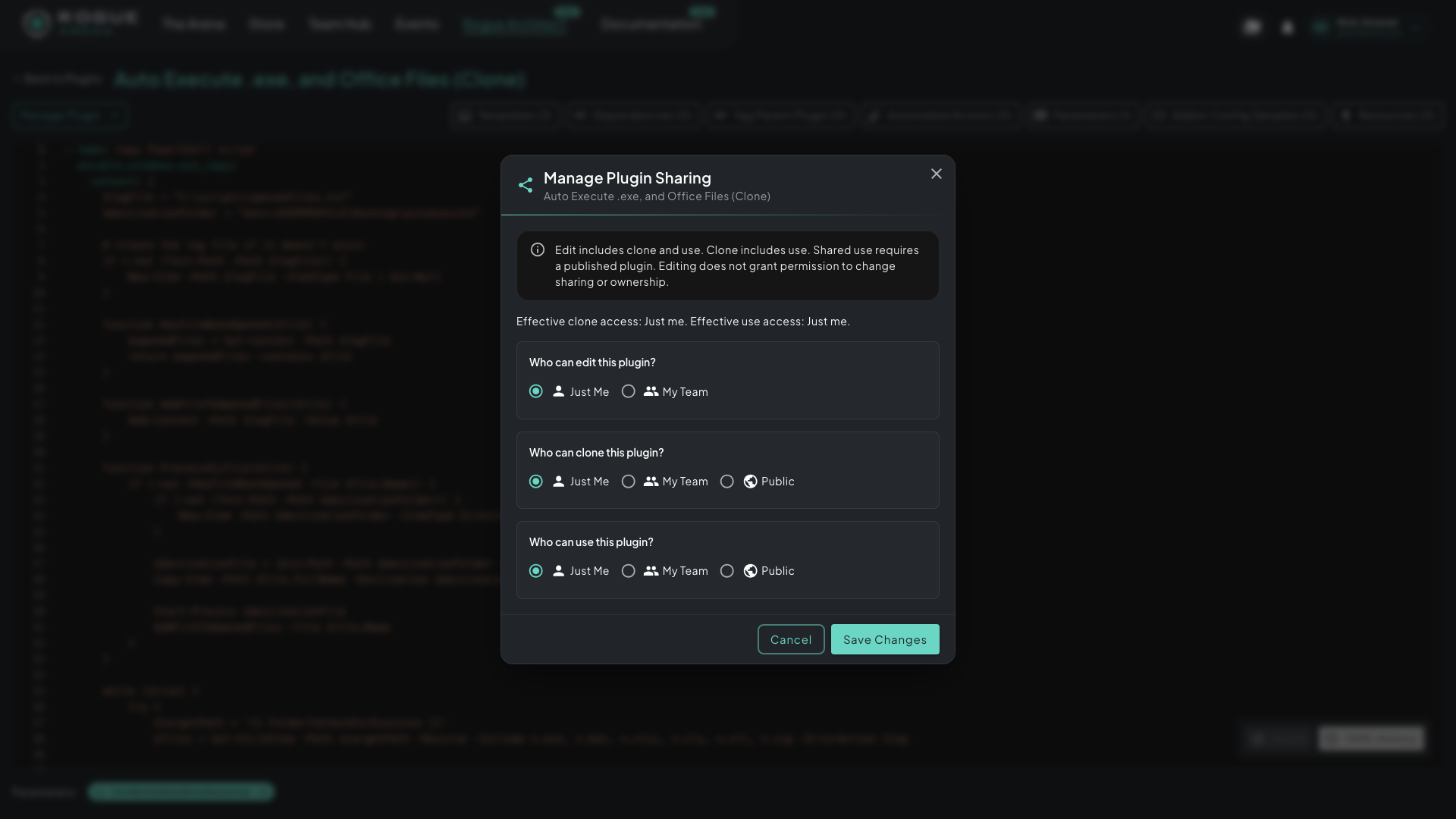 The Manage Plugin Sharing dialog. Edit, clone, and use are independent permission scopes.
Each scope works like this:
- Edit: the owner can edit an unpublished plugin. Teammates can edit it only when this permission is My Team.
- Clone: controls who can create an independent plugin from this one.
- Use: controls who can discover and newly apply the published plugin.
Just Me, My Team, and Public widen each permission separately. Edit offers only Just Me and My Team. Public for Clone and Use needs the Trusted Builder endorsement. Users with only team or public use access can’t discover or newly apply an unpublished plugin.
A common pattern is Edit = Just Me, Clone = My Team, and Use = Public.
Other Actions
Section titled “Other Actions”The same menu also has:
- Preview: see how the plugin appears in the browser and on a canvas.
- Clone to New Plugin: create an independent unpublished plugin for breaking changes.
- Properties: edit the plugin’s name, description, category, and icon.
- Ownership: transfer ownership, if you’re allowed to.
- Delete: permanently delete the plugin.
Existing Canvases
Section titled “Existing Canvases”Unpublishing removes the plugin from discovery and blocks new applications by anyone outside its unpublished edit access. Existing Canvas references stay in place, and those canvases can still build against the current draft.
Saving an unpublished plugin marks every Canvas fragment that references it as dirty. The fragment’s next build or redeploy uses the current plugin content. Deployments that are already running stay as they are. Publish again when the updated plugin is ready for discovery and new use.